
QuickTap IFB
Telephone Handset IFB Tap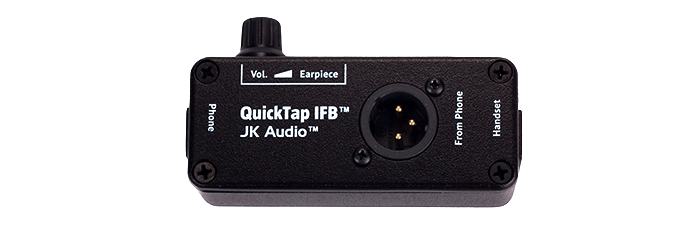
Monitor the Phone Line with an XLR Output.
Connect the QuickTap IFB between your telephone and handset for quick access to audio from any telephone system. Both audio output jacks contain a nice mix of the audio coming from the phone line and the handset audio going into the phone. Any conversation over the handset is sent over both audio output jacks. Or you can leave the handset disconnected and just hear audio from the far end of the call. The QuickTap IFB does not work with cellular telephones or any telephone with a keypad in the handset.
